Getting Started with Crismo
From sign-up to your first diagram in under 5 minutes. Follow this guide to get up and running with professional BPMN modeling.
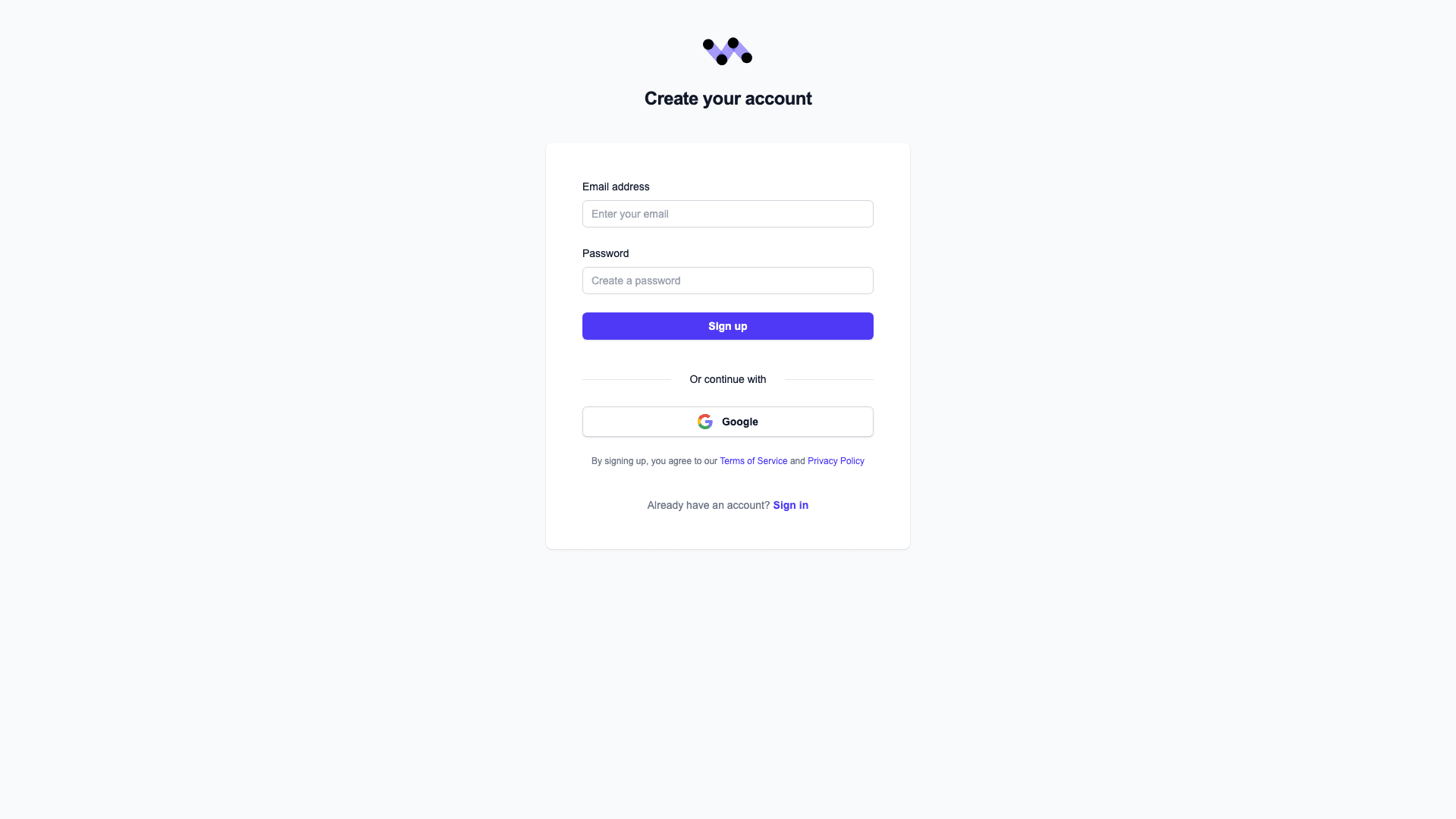
Create Your Account
Sign up for free with your email or Google account. No credit card required.
Pro tips:
- Use your work email for team collaboration
- Google sign-in is fastest
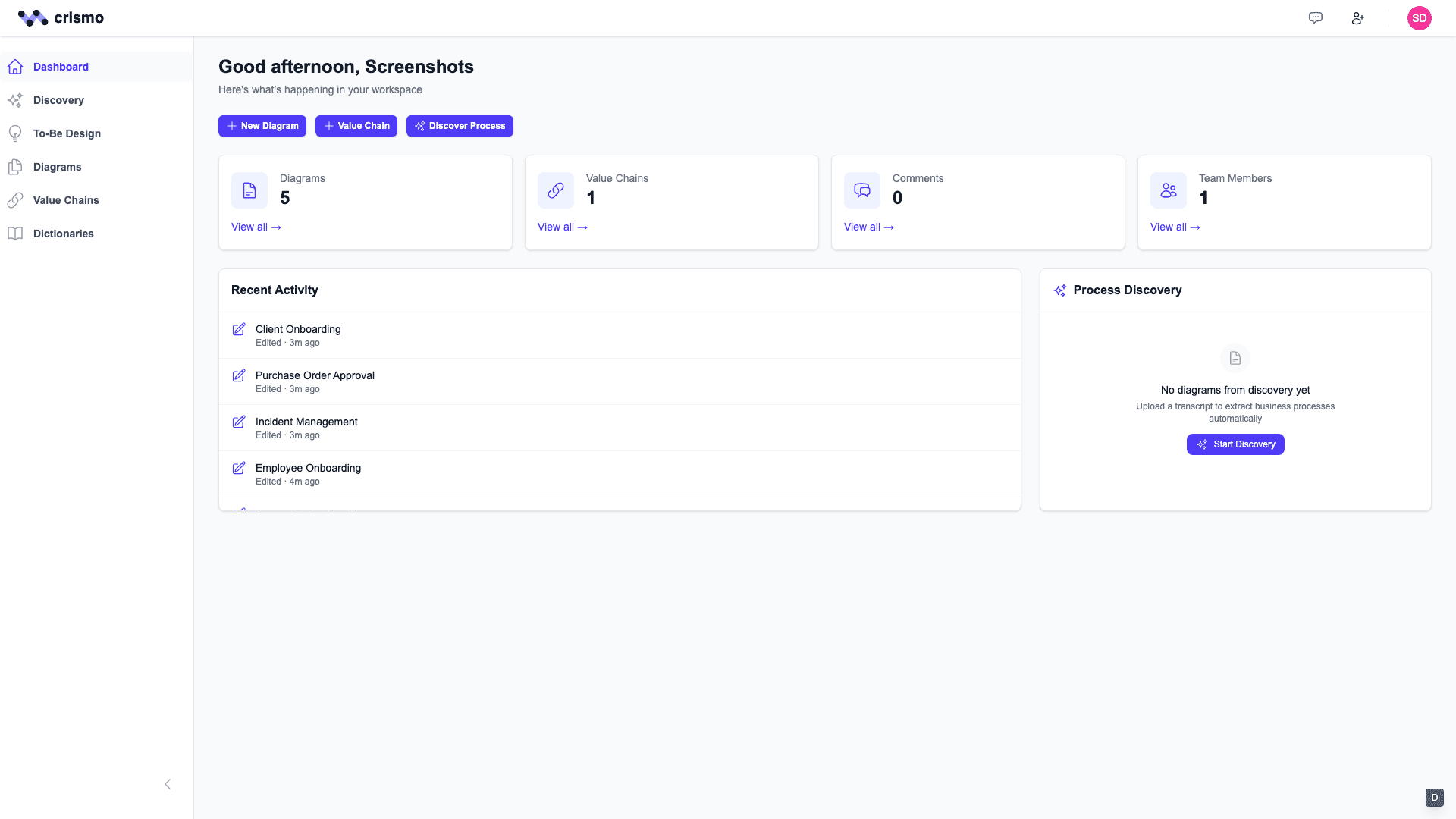
Explore the Dashboard
After signing in, you'll land on your dashboard. This is your home base for accessing all your processes and recent activity.
Pro tips:
- Pin frequently used diagrams for quick access
- Check the activity feed for team updates
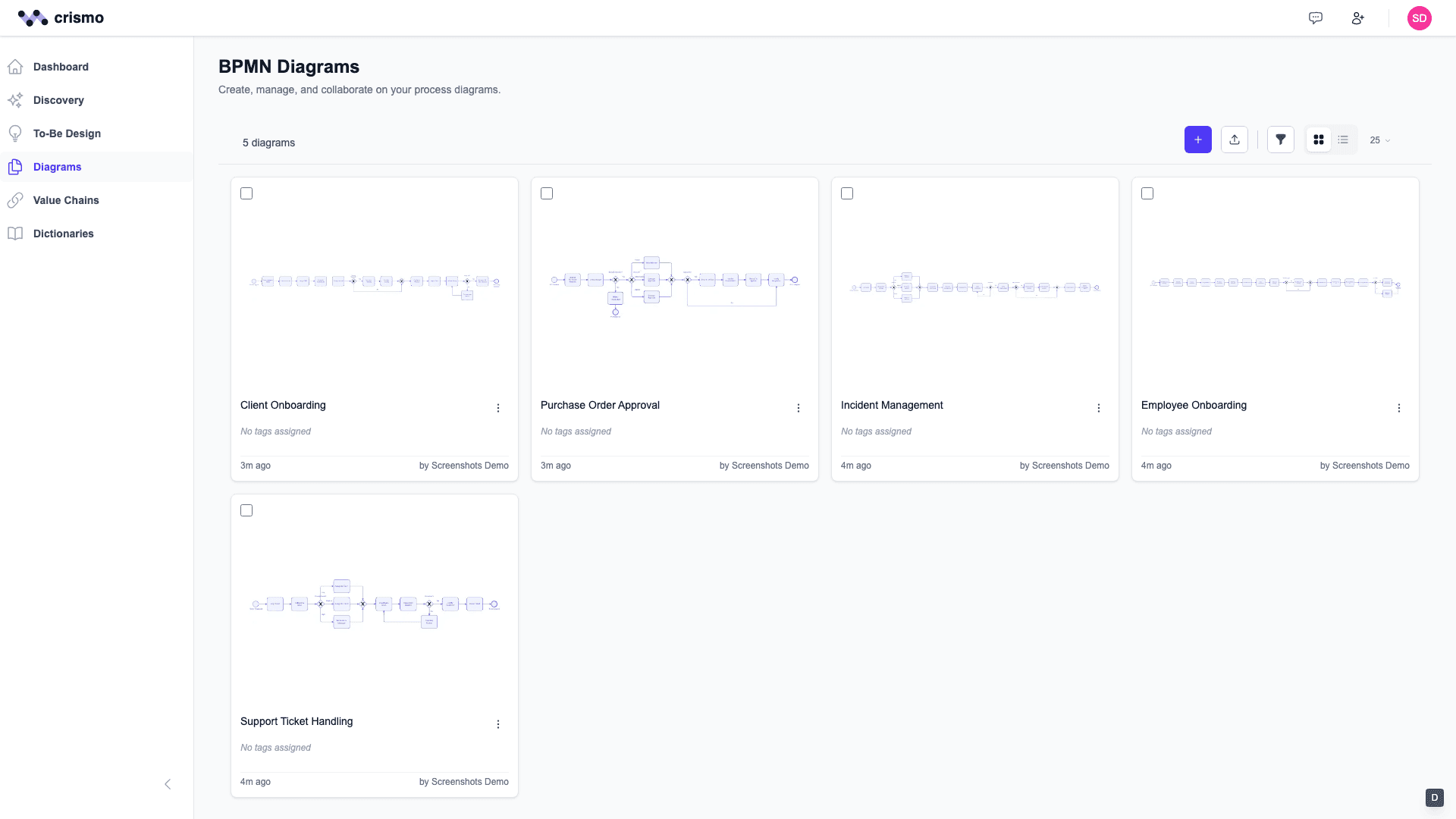
Browse Your Diagrams
Navigate to the Diagrams section to see all your BPMN processes. Create folders to organize by department or project.
Pro tips:
- Use search to quickly find diagrams
- Create folders for better organization
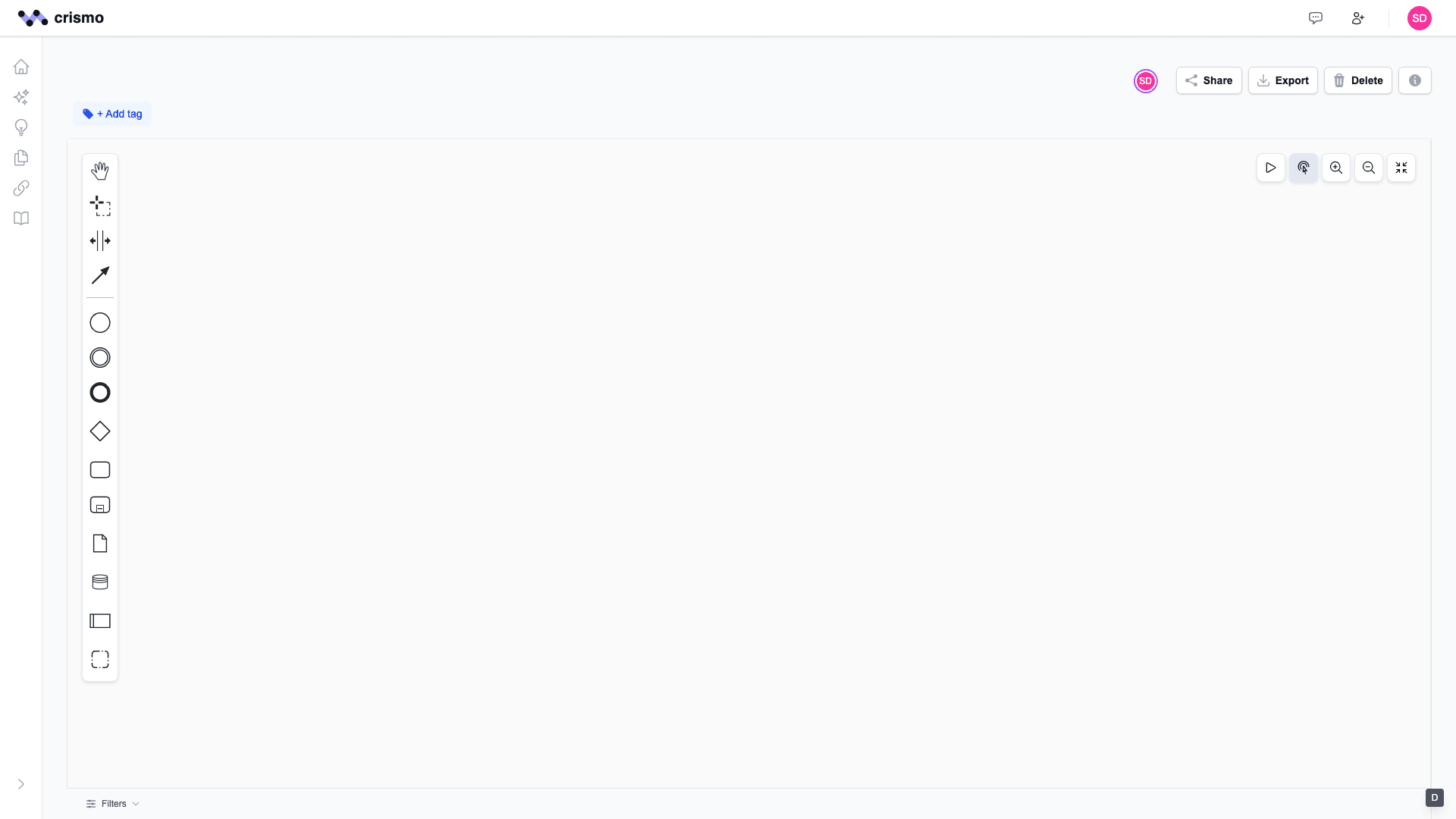
Create Your First Diagram
Click "New Diagram" to open the BPMN editor. Drag elements from the palette on the left, connect them with flows, and add labels.
Pro tips:
- Start simple: Event → Task → Event
- Use keyboard shortcuts for speed
- Double-click elements to add labels
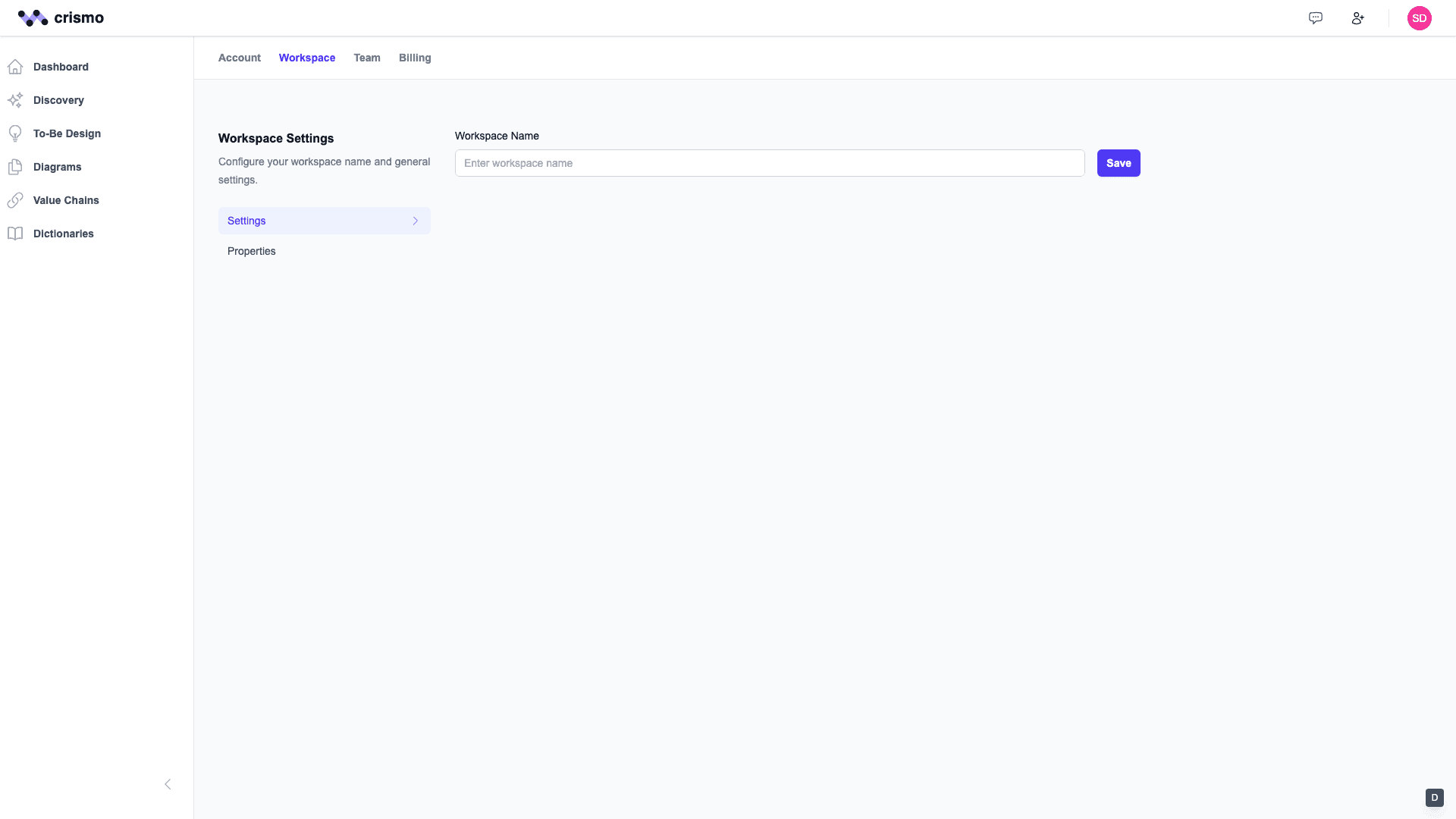
Configure Your Workspace
Set up your workspace name, logo, and preferences. This branding appears on shared diagrams and exports.
Pro tips:
- Upload your company logo
- Set default export settings
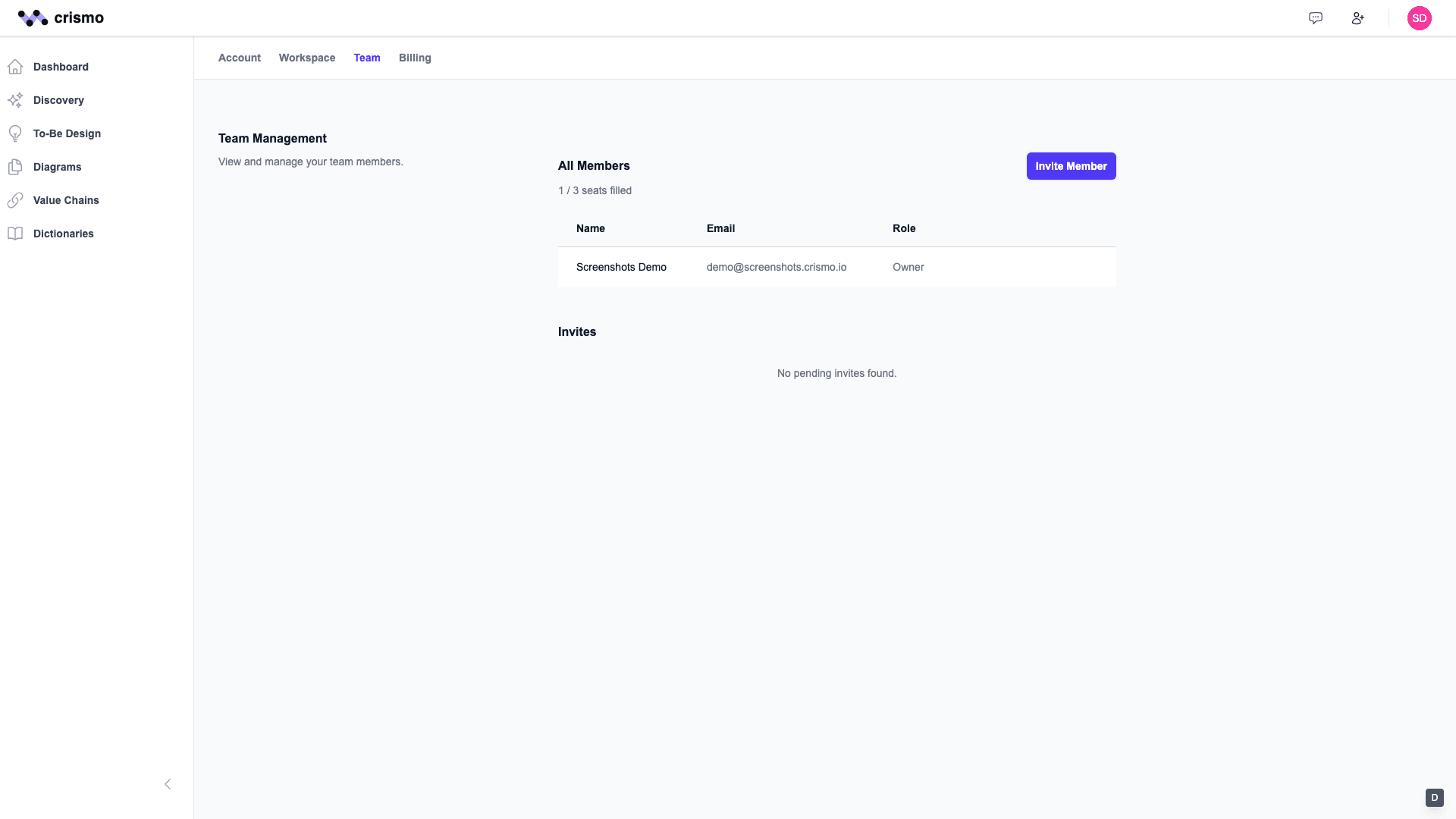
Invite Your Team
Collaboration is better together. Invite team members and assign roles to control who can edit or view diagrams.
Pro tips:
- Editors can create and modify diagrams
- Viewers can comment and export
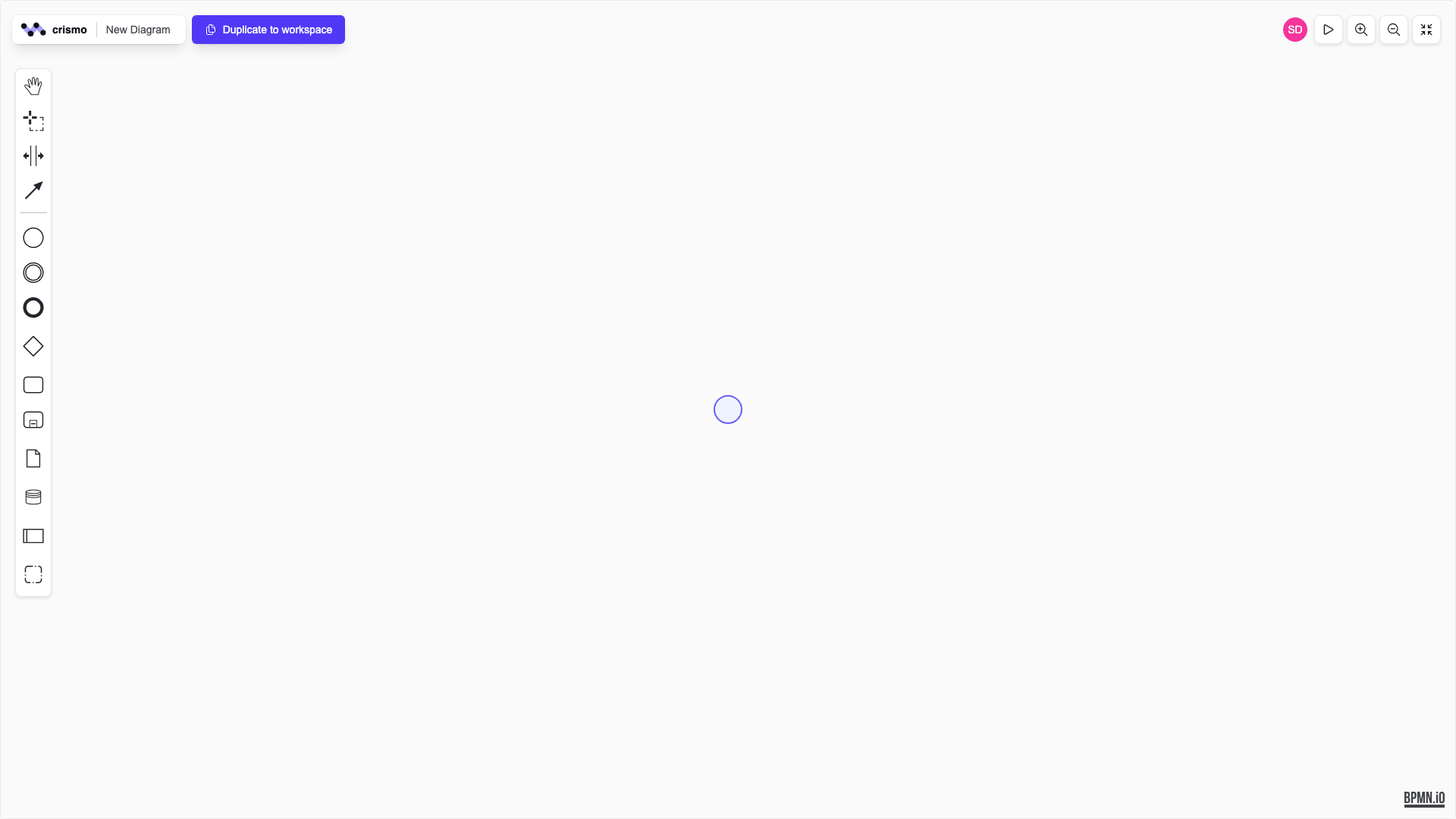
Want to try before signing up?
Our free Playground lets you explore the BPMN editor with no account required. Create diagrams, export them, and get a feel for Crismo's intuitive interface.
What's Next?
Now that you're set up, explore these features to get the most out of Crismo.
Ready to start modeling?
Join thousands of teams using Crismo for professional process documentation.