The Crismo Blog
Process thinking, BPMN & the AI shift
Practical guides on modeling, governance, and designing processes for a world where AI does the work.
The Crismo Blog
Practical guides on modeling, governance, and designing processes for a world where AI does the work.
SAP Signavio hides its prices — mid-market deals typically run €30K–150K/yr. Here's how the licensing actually works, what drives quote variance, and how to estimate your renewal before the call with your account team.
Read →A walkthrough of process mapping in Crismo: import existing diagrams from Visio, Lucidchart, or draw.io; model in BPMN with workspace context; reuse definitions from a shared dictionary; and ship with collaborative review.
Read →Process documentation goes stale without governance. This walkthrough shows how Crismo handles process ownership, version history, review tracking, and permissions so your process library stays accurate and accountable.
Read →After a merger, two organizations bring two sets of processes. Crismo gives integration teams a shared workspace to import, compare, and consolidate process documentation from multiple sources into one coherent landscape.
Read →Process diagrams are only valuable when the people who need to act on them can actually understand them. Learn how Crismo's view-only sharing, comments, and embedded diagrams make process models accessible to every stakeholder, no BPMN expertise required.
Read →Discovery workshops produce transcripts and sticky notes. Turning those into a real BPMN diagram usually takes days. With Crismo's AI discovery feature, you paste a transcript and get a structured process model in seconds.
Read →Already using draw.io for BPMN? Here’s how to convert your existing diagrams into real BPMN XML, avoid redraw work, and move into a BPMN-native workflow.
Read →A step-by-step walkthrough of building a process landscape in Crismo, from value chain (L0) through process groups (L1) to detailed BPMN diagrams (L2). Includes practical tips for structuring your first landscape.
Read →Every LLM already understands BPMN. The standard is in the training data. When you model in BPMN, your processes are natively readable by any AI model. No connector, no adapter, no translation layer. The format is the interface.
Read →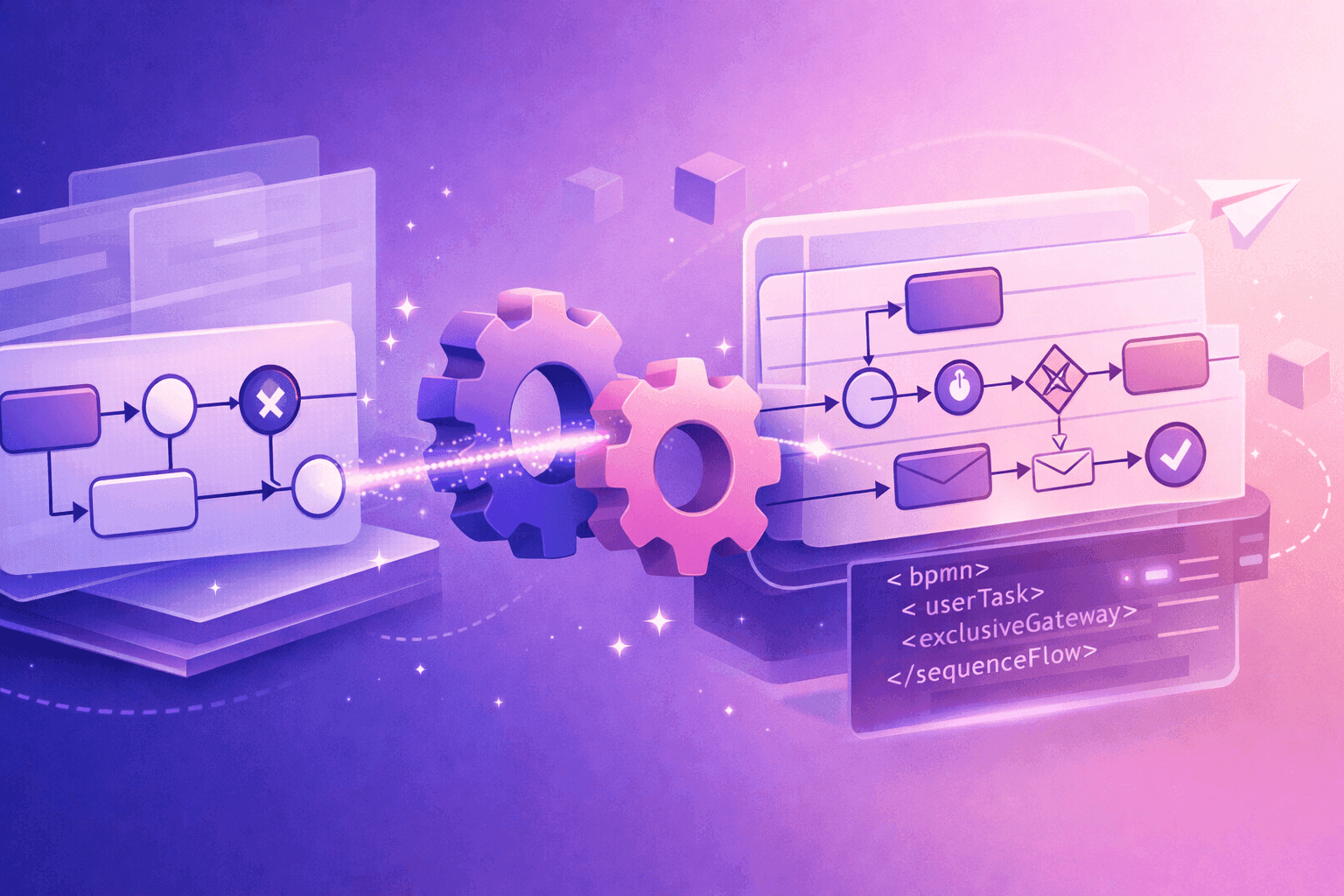 BPMN Fundamentals
Visio has a BPMN stencil. The shapes look right. But the file it produces is a proprietary drawing, not a standards-compliant process model. Here's what that means and how to fix it.
Read →BPMN FundamentalsLucidchart has a polished BPMN template. The shapes look correct. But what you export is a drawing that resembles BPMN, not a standards-compliant process model. Here's why that matters and how to fix it.
Read →BPMN FundamentalsMiro is the best digital whiteboard for workshops and sticky notes. But the moment your brainstorm needs to become a real BPMN process model, you hit a wall. Here's how to bridge the gap.
Read →You drew a perfect BPMN diagram in draw.io. Then Camunda rejected the file. The problem isn't your diagram. It's that draw.io doesn't actually export BPMN. Here's what's really going on and how to fix it in under a minute.
Read → BPMN Future & Emerging Tech
AI can generate answers — but without process, it can’t take action. This post explores why 95% of GenAI projects stall and how structured modeling with BPMN (and crismo) can flip the odds.
Read → BPMN for Transformation & Strategy
Most BPMN diagrams capture operations, while customer journeys reveal experiences. Kept apart, neither tells the full story. Learn how uniting BPMN with journey mapping creates processes that are efficient inside—and feel seamless outside.
Read → BPMN Fundamentals
Misusing BPMN lanes and pools can lead to confusion, misaligned teams, and broken processes. This guide explains the difference between lanes and pools, when to use each in business vs. technical diagrams, and the key rules that keep your process models clear and accurate.
Read →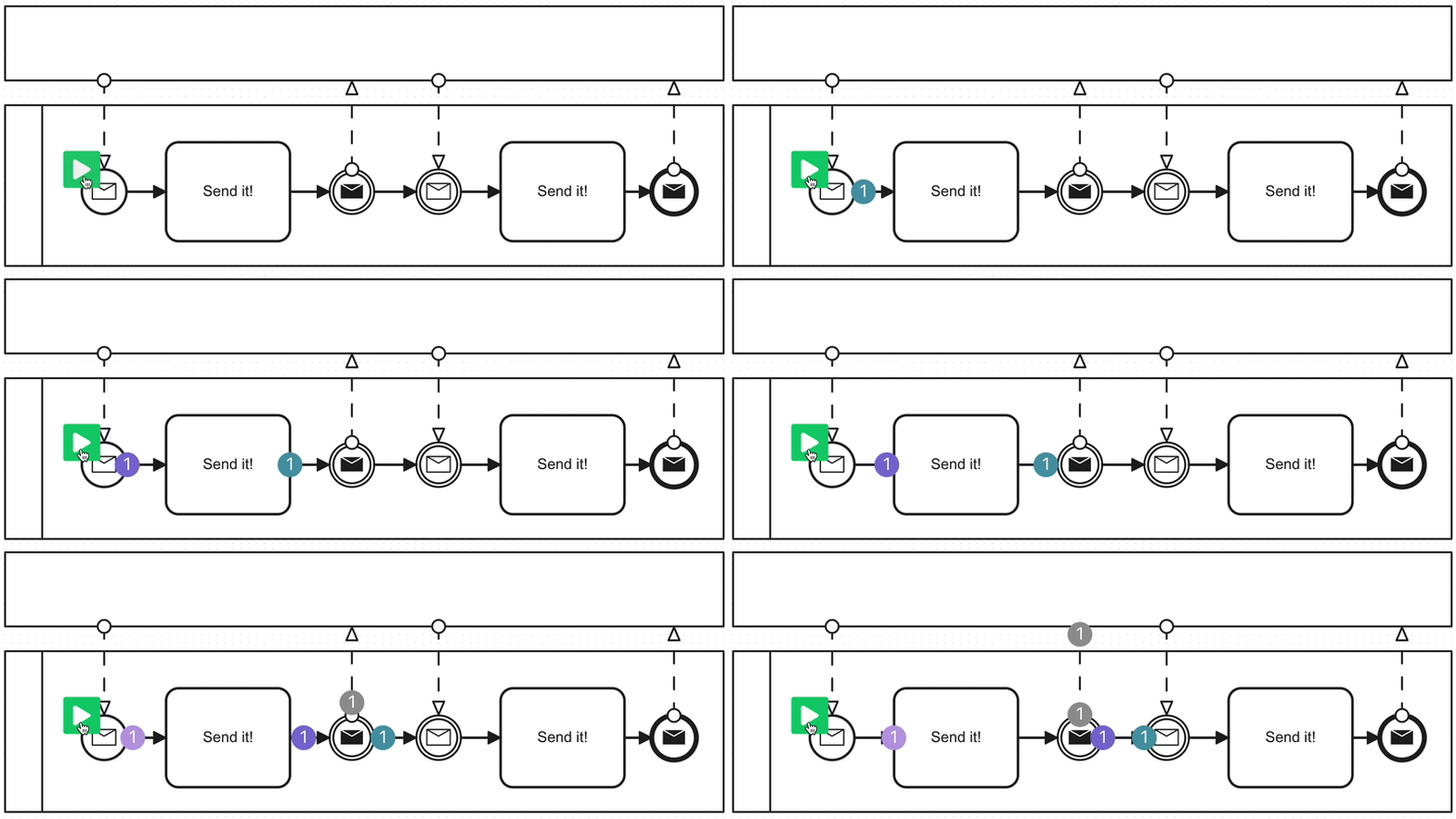 BPMN Fundamentals
Misusing BPMN message events for internal communication is a common modeling mistake. Learn why they’re only for cross-pool communication and how to model internal coordination the right way.
Read → BPMN for Transformation & Strategy
Link every BPMN diagram to a layered value-stream hierarchy to create a complete process landscape. Learn how to connect strategy to execution and eliminate orphan processes.
Read → BPMN Fundamentals
Events are the heartbeat of BPMN. This guide breaks down start, intermediate, and end events—so your diagrams don’t just flow, they come to life.
Read →