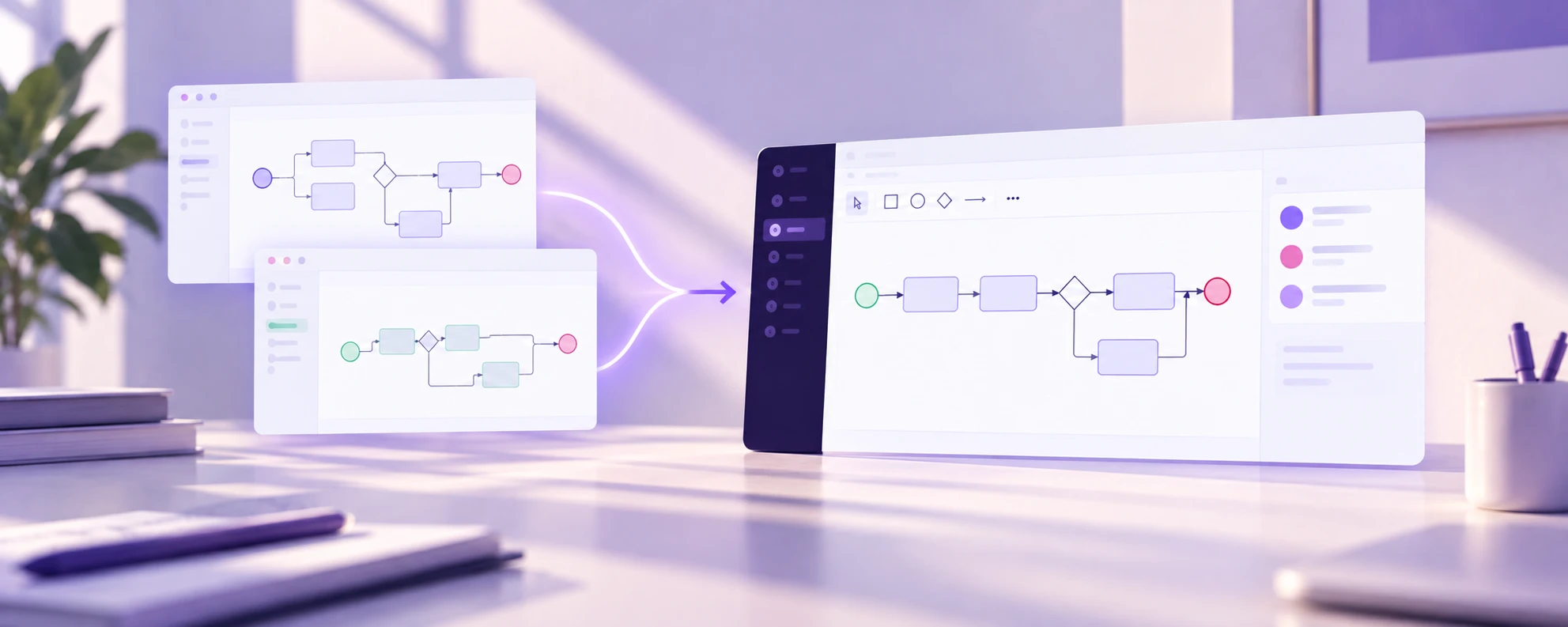
After a merger, every process area has two versions. Order management works one way in Company A and another way in Company B. Both are documented (hopefully) in different tools, different formats, and different levels of detail. The integration team needs to see both, compare them, and design a harmonized target state.
This post walks through how teams use Crismo to bring that work into a single workspace. For the methodology behind process harmonization (when to harmonize, how to prioritize, common mistakes), read the comprehensive guide on ProcessCamp.
The Problem: Process Documentation in Silos
Most post-merger integration teams face the same situation:
- Company A has processes in Visio, SharePoint folders, and the heads of a few key people
- Company B has processes in Confluence, some in draw.io, and a handful in an enterprise BPM tool
- Nobody has a complete landscape view of either organization
- The integration deadline is measured in weeks, not months
The first challenge is not harmonization. It is visibility. You cannot compare what you cannot see.
Step 1: Create Separate Workspaces for Each Entity
In Crismo, start by creating two workspaces: one for Company A and one for Company B. Each workspace represents one organization's process landscape.
This separation is deliberate. You want to preserve each organization's process documentation as-is before making any harmonization decisions. Mixing them too early creates confusion about what belongs to whom.
Step 2: Import from Multiple Sources
Crismo imports BPMN files from any standards-compliant source. For non-BPMN formats:
- Visio diagrams: Export from Visio and convert using the free Visio converter
- draw.io files: Use the draw.io converter to produce BPMN XML
- Undocumented processes: Use AI Discovery. Paste interview notes or a process description and Crismo generates a BPMN draft
For each import, place the diagram in the correct L1 process group within the workspace. The landscape structure tells you where everything belongs.
If neither organization has a formal landscape, build one. Crismo's landscape view makes this straightforward: create L0 areas ("Order to Cash", "Hire to Retire"), then add L1 groups within each area. Even rough groupings are enough to start the comparison.
Step 3: Compare Side by Side
With both workspaces populated, the integration team can now compare:
- Open Company A's "Order Processing" diagram in one view
- Open Company B's equivalent in another
- Look for structural differences: approval chains, decision logic, role assignments, system touchpoints
In Crismo, both diagrams are real BPMN models. That means the comparison is structural, not just visual. You can see that Company A routes orders through a 3-level approval while Company B uses a single threshold-based check. You can see that Company A handles returns as a separate process while Company B handles them inline.
These structural differences are exactly what the harmonization framework from the ProcessCamp guide helps you evaluate.
Step 4: Build the Target State
Create a third workspace: "Target Operating Model" (or whatever your organization calls the harmonized state). For each process area, create the to-be version:
- Start with the stronger of the two as-is processes
- Incorporate elements from the other where they add value
- Adjust roles and responsibilities for the combined organization
- Document the rationale for key decisions (why this approval chain, why this system)
Crismo's collaborative editing means the integration team, process owners from both entities, and subject matter experts can work on the target model simultaneously. Comments and version history capture the reasoning behind design decisions, which matters when someone asks "why did we do it this way?" six months later.
Step 5: Track Progress Across the Landscape
The landscape view in Crismo shows the harmonization status at a glance:
- Which L1 process groups have target-state models?
- Which are still in comparison mode?
- Which have not been started?
This is the integration PMO's dashboard. Instead of tracking harmonization progress in a spreadsheet, the landscape itself tells the story. Leadership can see which areas are on track and which need attention.
When This Approach Works Best
Crismo's workspace model is designed for scenarios where:
- Multiple sources of process documentation need to coexist during analysis
- Teams from different organizations need to collaborate on shared models
- The integration timeline requires fast import and comparison, not months of manual redrawing
- Process landscapes need to be visible to non-technical stakeholders (executives, PMO, auditors)
For large-scale enterprise integrations with thousands of processes and complex governance requirements, dedicated enterprise platforms like ARIS or SAP Signavio may be a better fit. Crismo works well for mid-market integrations and for specific process areas within larger deals.
Try It
Open the Crismo playground to explore the workspace and landscape features. No signup required.
For the full harmonization methodology, read the Process Harmonization Guide on ProcessCamp.
Try Crismo
Model your process. Find opportunities to improve it.
Map your process in BPMN 2.0, understand how it works, and uncover opportunities to optimise it.