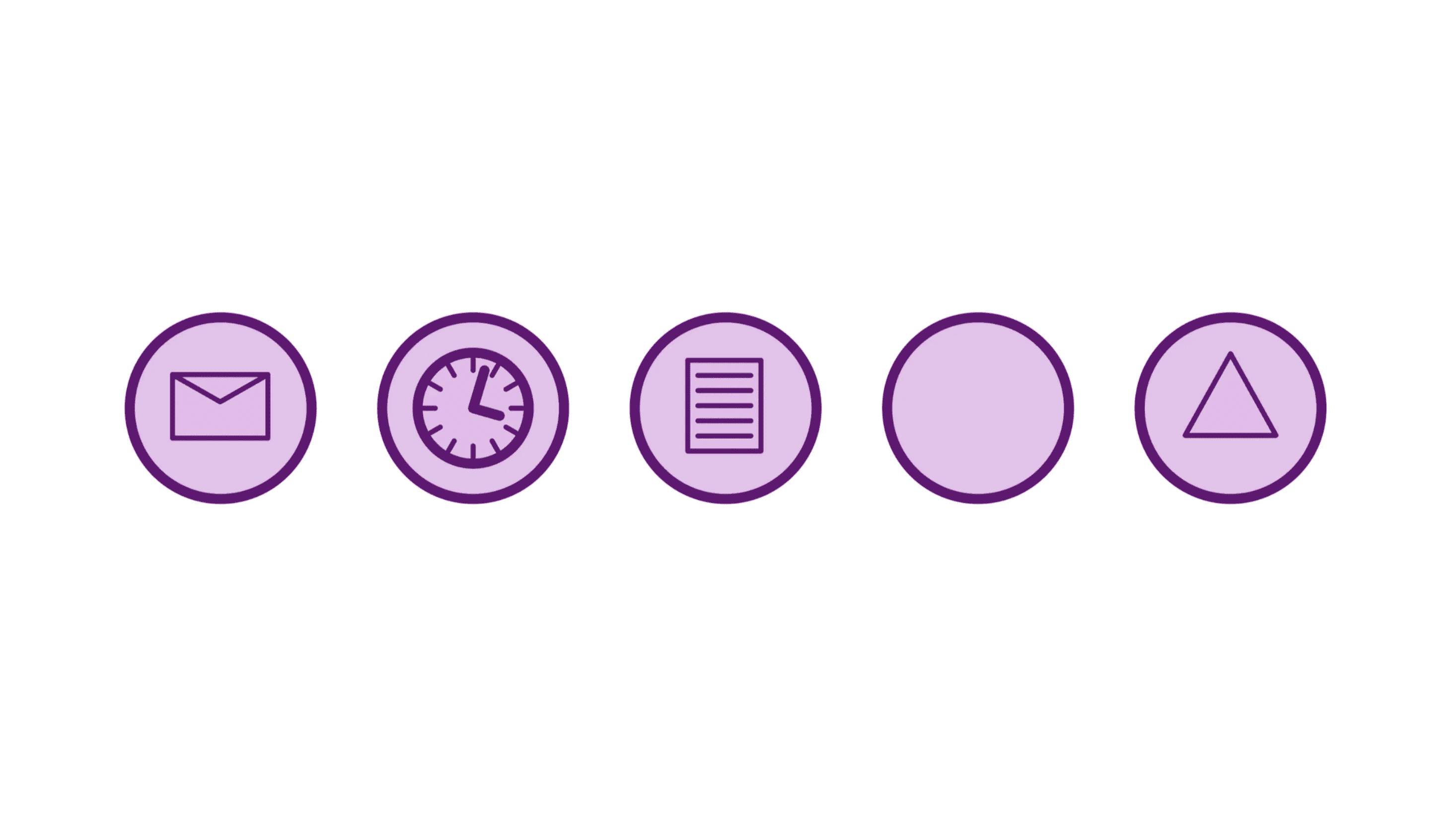
Gateways decide where a process goes, but events decide when it moves at all. They start a flow, pause it, or end it — sometimes quietly, sometimes with fireworks. Misplaced events can freeze automation or flood an inbox; well-chosen ones make a workflow diagram feel almost alive. This article strips the mystery from BPMN's start, intermediate, and end events so you can model them with confidence in any BPMN diagram..
Why Events Matter More Than You Think
Most broken processes don't fail because someone forgot a task — they fail in the in-between moments. The approval email that never arrives. The customer who doesn't respond within 14 days. The file upload that looks complete but isn't.
Without events, these pauses and triggers remain invisible. A BPMN diagram may show a neat sequence of tasks, while in reality the process is stuck waiting.
That's why BPMN events are the backbone of process modeling: they capture the timing and signals that tasks alone can't show. They decide when something starts, pauses, or ends — and make the difference between a diagram that just looks right and one that actually runs right.
Start Events: Setting the Tone
A BPMN diagram needs a clear trigger at the beginning — the start event that explains why the process exists.
Message start — Ideal when an external message triggers the process, like a "New Order" or "Support Ticket" hits your system.

Timer start — Great for recurring workflows such as nightly billing or weekly data pulls.

Conditional start — More niche, but useful when a process should trigger only if a pre-defined condition is fulfilled (e.g., inventory drops below safety stock).

In process modeling, stick to one true trigger per process. If multiple triggers exist, create separate workflows rather than overloading a single BPMN diagram with unrelated entry points.
Intermediate Events: Where the Real Drama Happens
An intermediate event is a heartbeat in the middle of the BPMN diagram. It either catches something or throws something for other processes or pools to catch.
Imagine a loan-approval flow. After sending an offer, you place an intermediate timer catch labelled "14-Day Applicant Response." If no reply arrives, the flow continues down an abandonment branch. One tiny clock symbol makes the whole waiting period explicit — project managers love that.
Common pitfalls in process modelling:
- Using message events for internal communication within one pool.
Message events are for communication between pools. If you're modeling internal handoffs, use sequence flows instead — otherwise your BPMN diagram blurs the line between external collaboration and internal work.
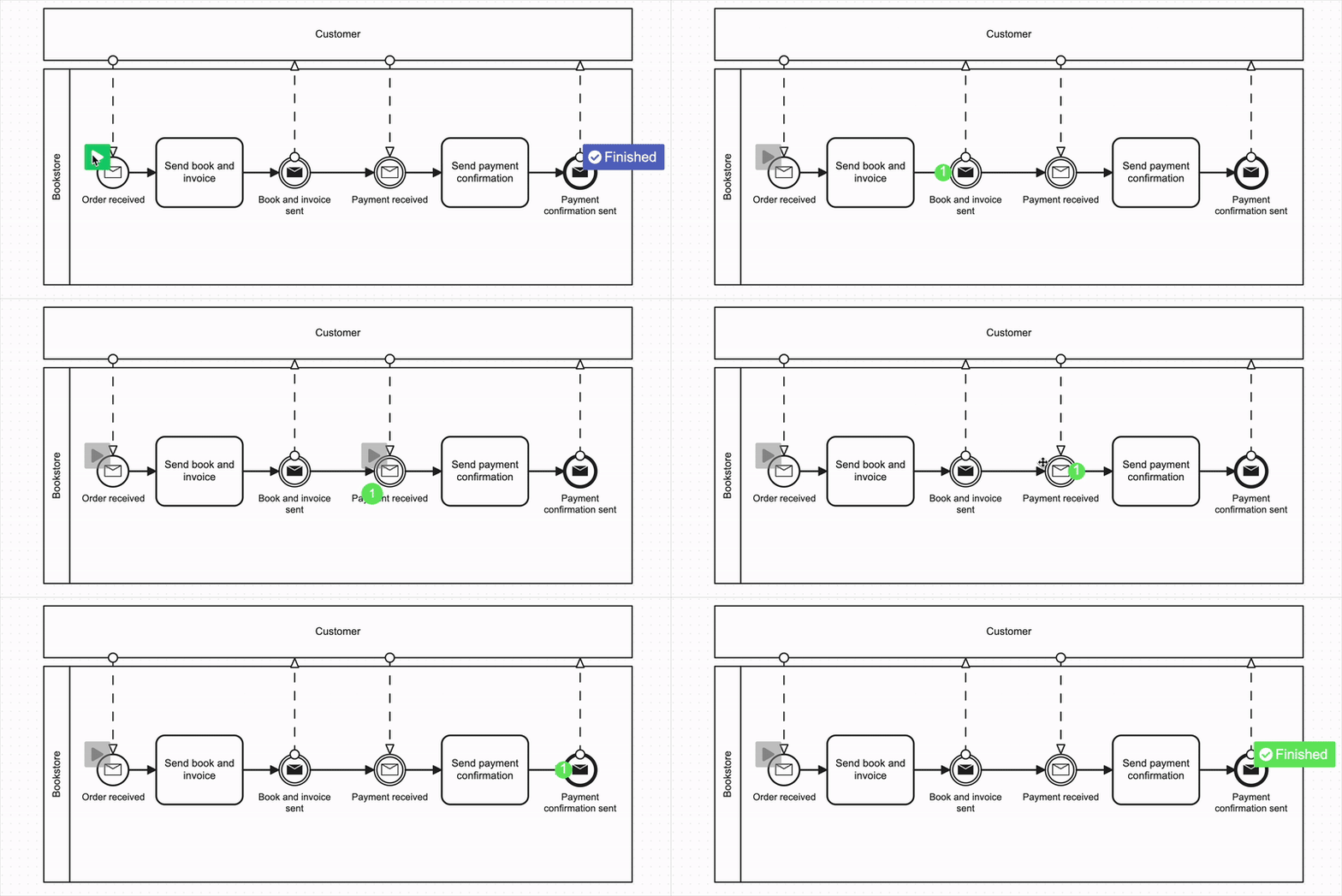
- Overlooking the cancelling nature of attached events.
A boundary timer or message event will interrupt a task unless you mark it as non-interrupting. Many modelers overlook this — and end up with tasks that mysteriously never complete. Always ask: Should this event stop the work in progress, or just run alongside it?
End Events: Call the Result by Its Name
A blank white circle technically works, but it hides meaning. Strong process modeling names the outcome clearly:
- Order Shipped
- Loan Declined — High Risk
- Customer Churned with Feedback
Better still, use a specific end-event type when it tells a richer story.
- A message end pushes a confirmation to another pool.
- A signal end broadcasts a result for any listening process — ideal when multiple workflows must react, such as system-wide maintenance alerts.
Practical Rules of Thumb
-
Start with the trigger, finish with the outcome.
-
Model what matters. Don't clutter your workflow diagrams with technical steps users never see. Focus on events that affect timing, visibility, or outcome.
-
Use timers to make waiting explicit. If the process pauses, show it. Silence is often where projects go wrong.
👉 Explore all BPMN gateway types and all BPMN event types in the Event Reference
Wrapping Up
Events are the pulse of BPMN. They mark every beat — from the first customer click to the final confirmation email. They decide whether your workflow diagram feels responsive or stuck.
When you're process modeling, ask three quick questions: What truly starts this flow? What pauses it? How do we know it's over? Answer them, and your BPMN diagrams turn into reliable blueprints that teams can trust.
Happy modelling — and let us know which event still gives you the most trouble.
Try Crismo
Model your process. Find opportunities to improve it.
Map your process in BPMN 2.0, understand how it works, and uncover opportunities to optimise it.