Professional process modeling made simple
Create standards-compliant BPMN 2.0 diagrams with an intuitive editor built for speed. From quick sketches to detailed specifications.
Built for professionals
Everything you need to model processes
- Full BPMN 2.0 Palette
- Tasks, gateways, events, pools, lanes - the complete symbol set for standards-compliant diagrams.
- Keyboard Shortcuts
- Model at the speed of thought with intuitive hotkeys for every action.
- Smart Connectors
- Auto-routing that stays clean as your diagram evolves and grows.
- Instant Validation
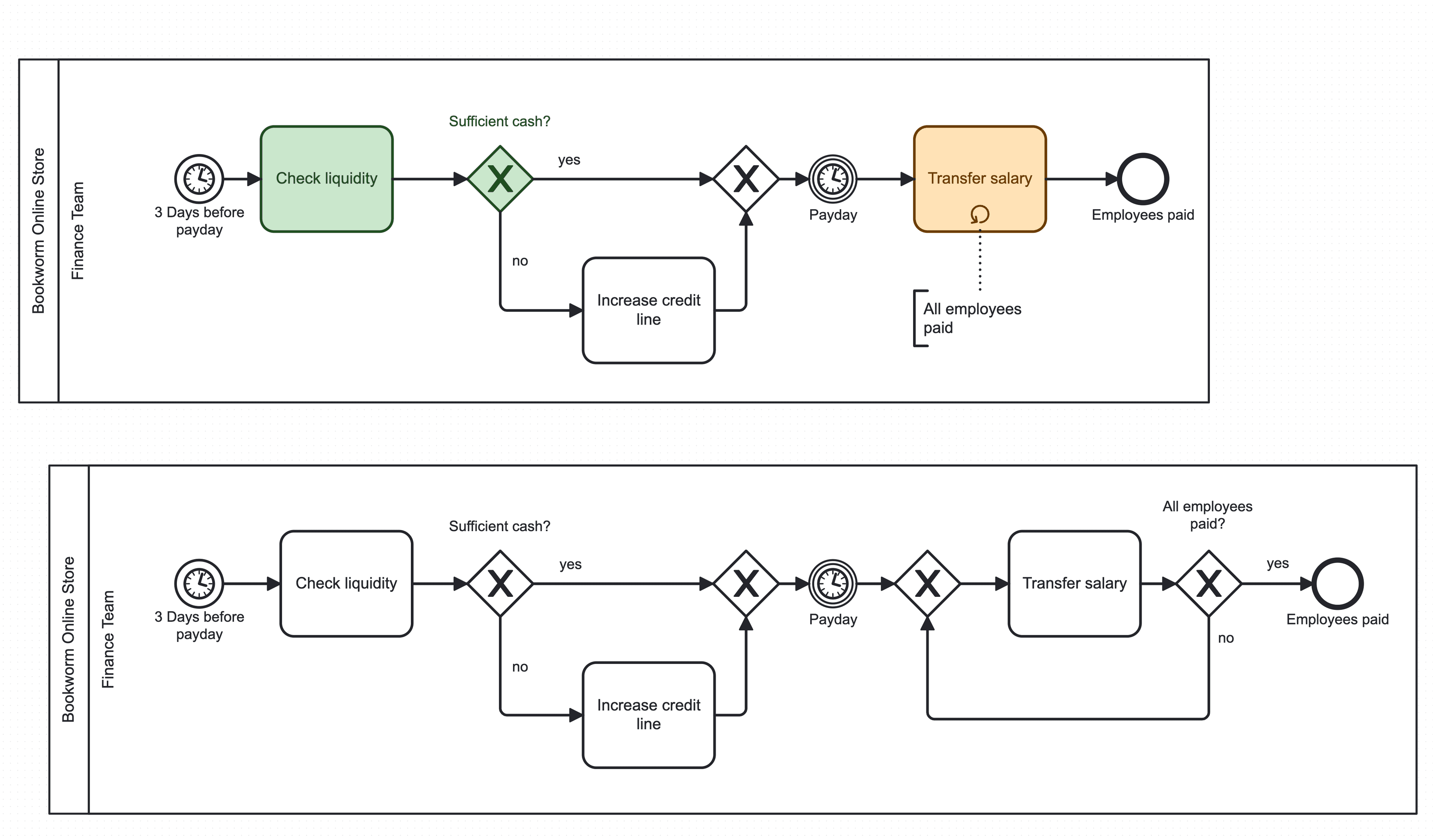
- Catch modeling errors before they become execution problems.
Intuitive editor
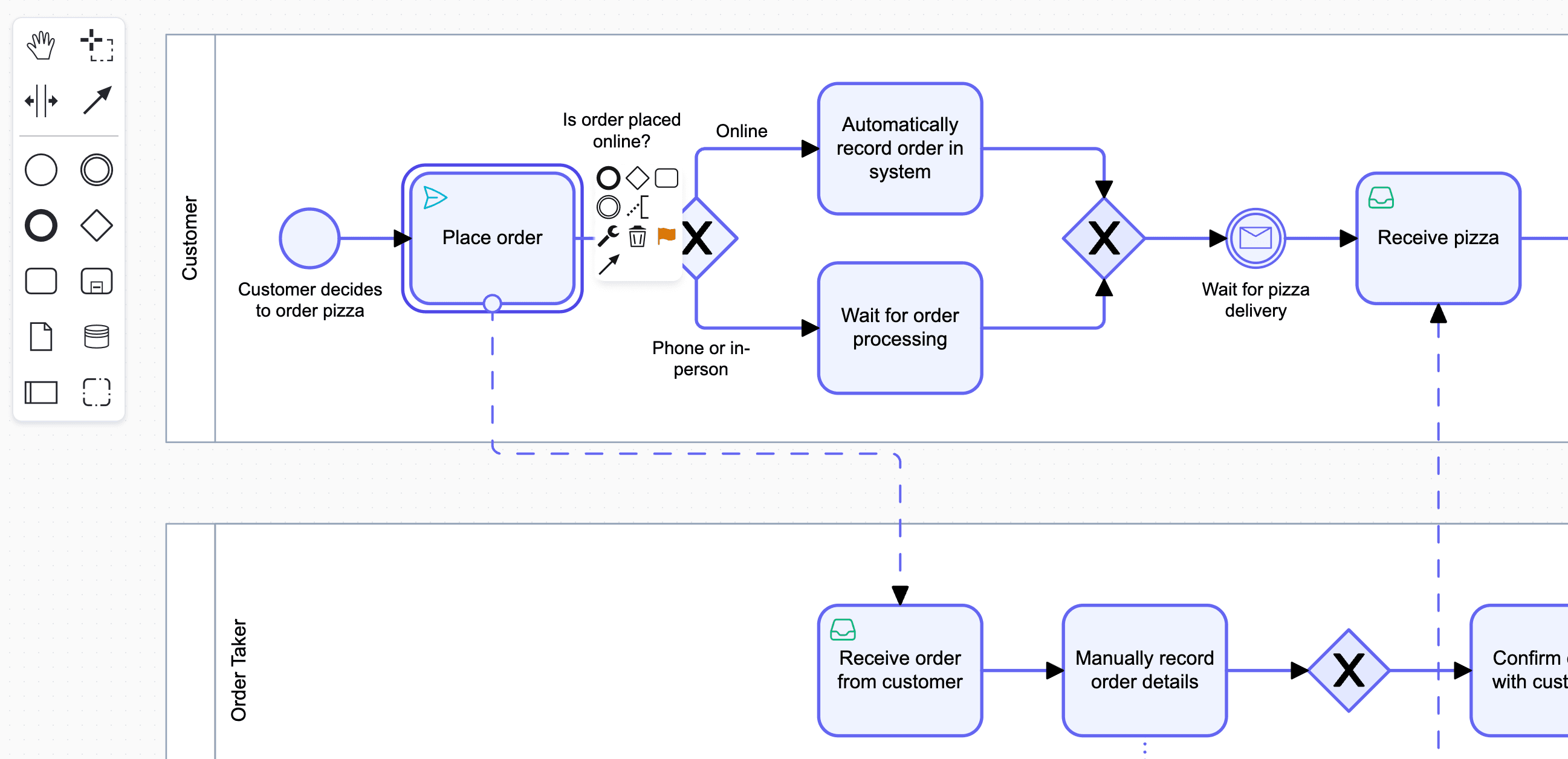
Drag, drop, connect
Start modeling in seconds. Drag elements from the palette, connect them with smart connectors, and watch your process take shape.
Multi-level organization
From strategy to operations
Organize processes in hierarchical landscapes. Start with high-level capability maps and drill down to detailed BPMN flows.
- Hierarchical process groups
- Drag-and-drop organization
- Click-through navigation
Built-in versioning
Track every change
Never lose work. Every save creates a version you can review, compare, or restore. See exactly who changed what and when.
- Automatic version history
- One-click restore
Continuous improvement
AI that helps you model better
Get intelligent suggestions as you model. From naming conventions to structural improvements, AI assists you in creating cleaner, more consistent diagrams.
- Smart naming suggestions
- Best practice recommendations
- Structure optimization hints
Ready to model your first process?
Crismo doubles as process mapping software and swimlane diagram software - one tool for the whole process picture.