The meeting went well. Everyone gathered around a Miro board, dropped sticky notes, drew arrows, and mapped out how work actually gets done. By the end, you had something that looked like a process flow. People nodded. It made sense.
Then someone asked you to turn it into a BPMN diagram.
And you realized the gap between a brainstorm and a process model is wider than it looks.
Miro Is a Whiteboard. Not a Modeling Tool.
Miro is exceptional at what it was built for: collaborative visual thinking. Sticky notes, freeform shapes, dot voting, templates for retrospectives, user story maps, and workshop facilitation. It is arguably the best digital whiteboard on the market.
But a whiteboard is not a process modeling tool. And treating Miro output as a process model creates problems that compound over time.
BPMN 2.0 is a formal standard. Every element has defined semantics. A parallel gateway means all outgoing paths execute concurrently. A timer start event means the process triggers on a schedule. A pool defines an organizational boundary. These aren't suggestions. They're specifications that process engines, validators, and other tools rely on.
Miro has none of this. A rectangle is just a rectangle. An arrow is just a line between shapes. There's no concept of gateways, events, or sequence flows at the data level.
The Graduation Problem
Here's where teams get stuck:
Phase 1: Discovery. Workshop participants map the current process on Miro. Sticky notes, quick arrows, informal language. This is appropriate. Discovery is messy and Miro handles messy well.
Phase 2: Documentation. The Miro board needs to become a proper process diagram. Someone rearranges the sticky notes into swimlanes, adds diamond shapes for decisions, cleans up the arrows. It starts to resemble BPMN.
Phase 3: Realization. The diagram needs to be shared with a compliance team, imported into a process engine, or analyzed by an automation consultant. And the Miro board can't go anywhere. It exports to PDF, PNG, or a Miro backup file. None of these carry process semantics. The work needs to be redrawn in a real modeling tool.
This graduation from brainstorm to model happens in every process improvement project. The question is whether you plan for it or stumble into it.
What You Lose by Staying in Miro
Structural validity. BPMN has rules. Every exclusive gateway split must eventually merge. Every process path must reach an end event. Miro lets you draw anything, valid or not.
Process semantics. A BPMN user task carries meaning: a human performs this step. A service task means a system does it. In Miro, both are rectangles with text.
Portability. A .bpmn file opens in Camunda, ARIS, Signavio, Bizagi, or Crismo. A Miro board opens in Miro.
Scale. Ten process diagrams in Miro are manageable. A hundred are chaos. No leveling, no linking between diagrams, no governance.
Automation potential. Process engines need structured BPMN XML. Miro's export contains none of this.
The same pattern shows up across the general-purpose drawing tool category — read our draw.io BPMN 2.0 breakdown for the side-by-side XML comparison that explains why these tools look like BPMN but aren't.
The Fix: Convert Miro Diagrams to Real BPMN
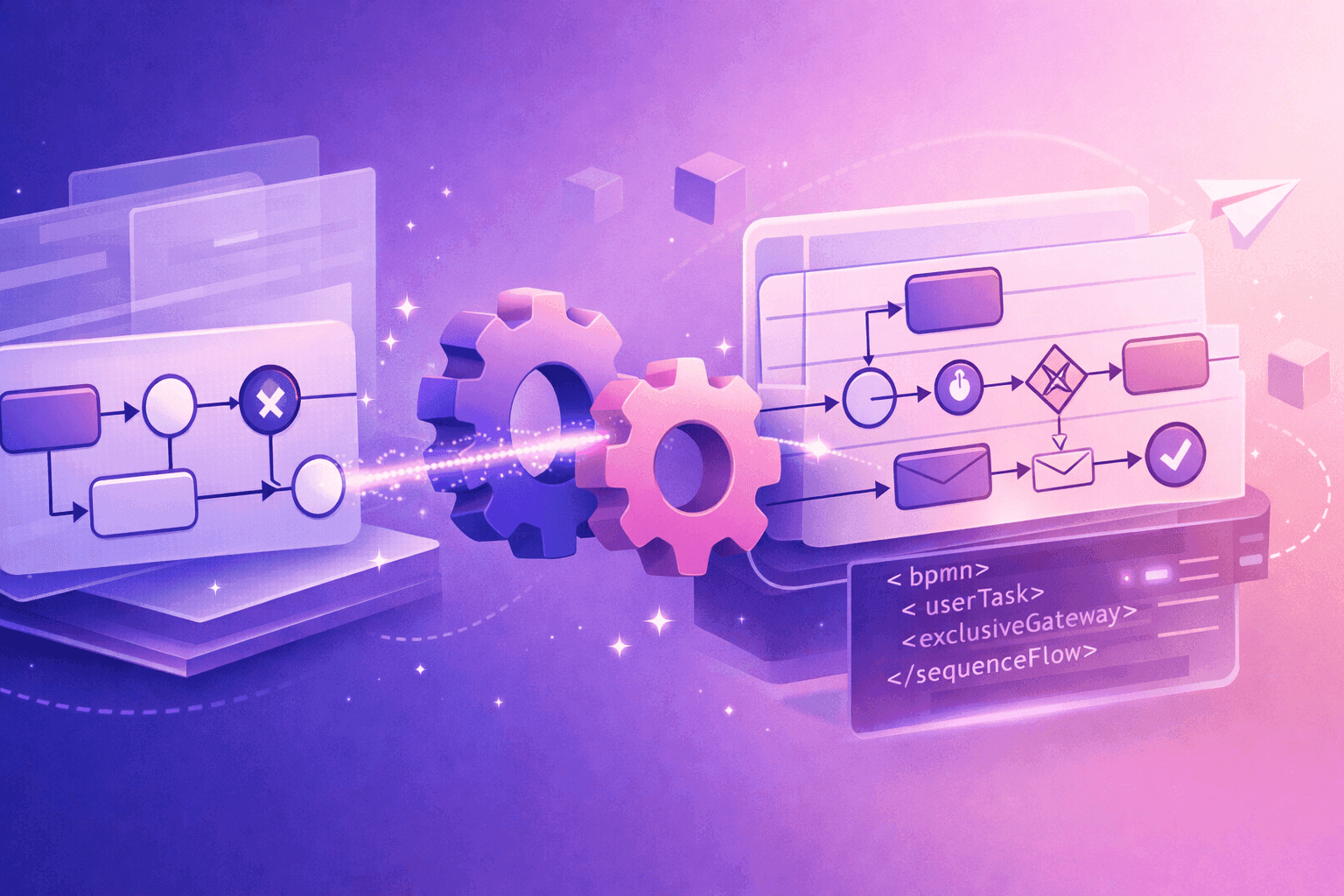
We built a free Miro to BPMN converter that extracts the process structure from Miro's export and produces standards-compliant BPMN 2.0 XML.
Three steps:
- Export your Miro board
- Drop the file into the converter
- Download the
.bpmnfile and open it in any BPMN-compliant tool
Convert your first Miro diagram now.
The Better Workflow: Brainstorm in Miro, Model in Crismo
Miro is great for phase 1. Keep using it for workshops, stakeholder interviews, and collaborative discovery.
But when the brainstorm needs to graduate into a process model, switch to a purpose-built tool. With Crismo, you get real-time collaborative BPMN modeling, structural validation, token simulation, and process landscapes. Every diagram is valid BPMN 2.0 from the first drag.
The best workflow isn't Miro vs. Crismo. It's Miro then Crismo. Brainstorm, then model.
Try the free Miro converter to bridge the gap.
Try Crismo
Model your process. Find opportunities to improve it.
Map your process in BPMN 2.0, understand how it works, and uncover opportunities to optimise it.