Improved1 min read
Find the right process at a glance, even with ten tabs open
Every Crismo tab now starts with what's open in it, so your browser speaks your process language.
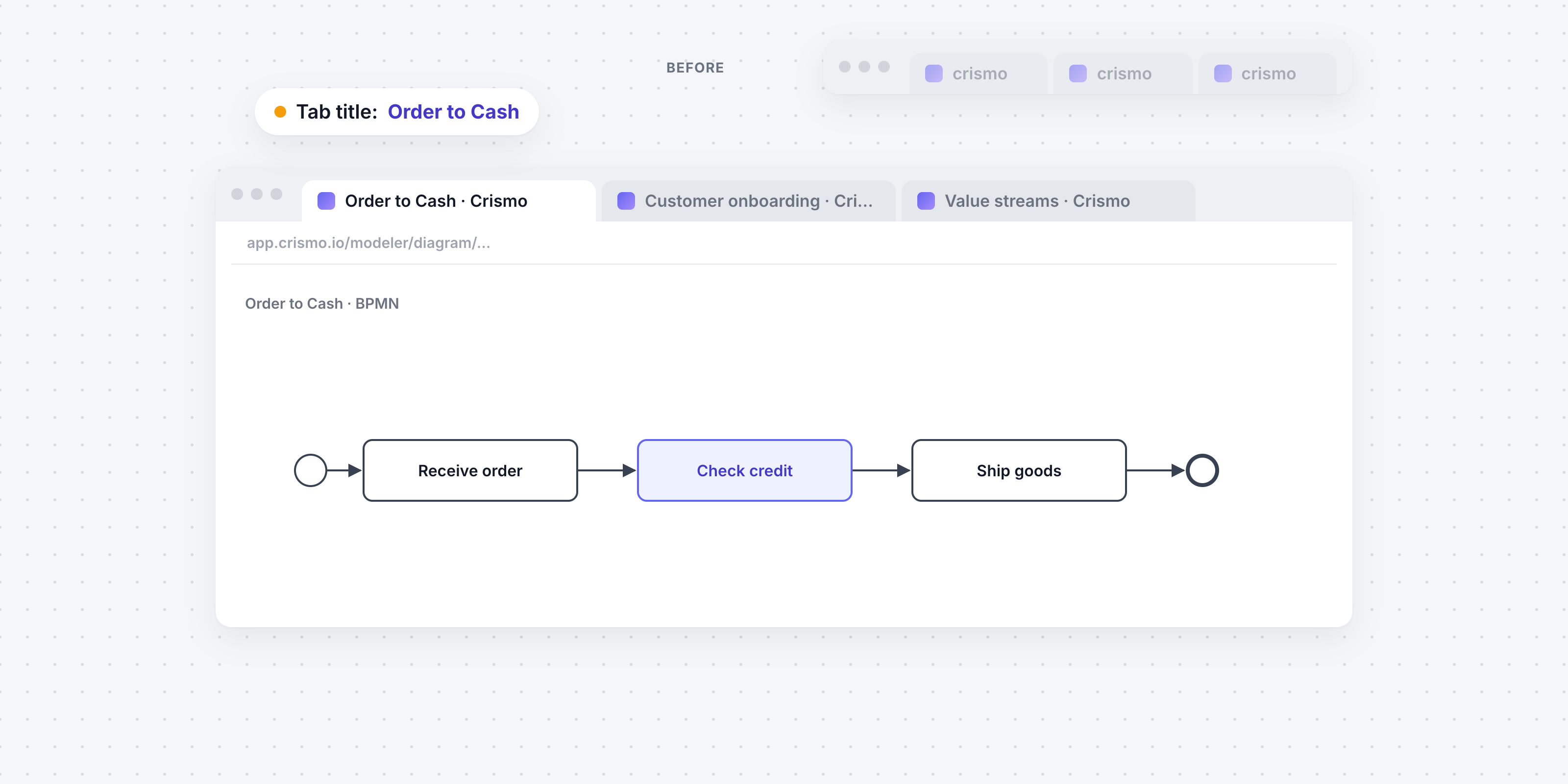
The problem
When you work across several processes at once (comparing the as-is with the to-be, checking a sub-process, answering a comment), every browser tab looked the same. Finding "Order to Cash" meant clicking through tabs one by one.
What's new
Every Crismo tab now starts with the name of the diagram, the value stream or the page. Your browser's tab bar, history and bookmarks now speak your process language.
Who gets it
Everyone, on every plan. Nothing to switch on.
How to start
- Open two or three diagrams in separate tabs.
- Look at the tab bar: each tab shows its process name.
- Bookmark a diagram you use often; the bookmark carries its name too.
Try it in Crismo
Already a customer? Open your diagrams. New here? Start a free trial.