Improved1 min read
Model faster: fewer clicks between idea and diagram
Three small changes in the diagram editor that keep you in the flow when you capture a process live.
The problem
When you capture a process live, in a workshop or during an interview, every extra click breaks the flow: picking a shape, placing it, closing menus, hunting for the side panel.
What's new
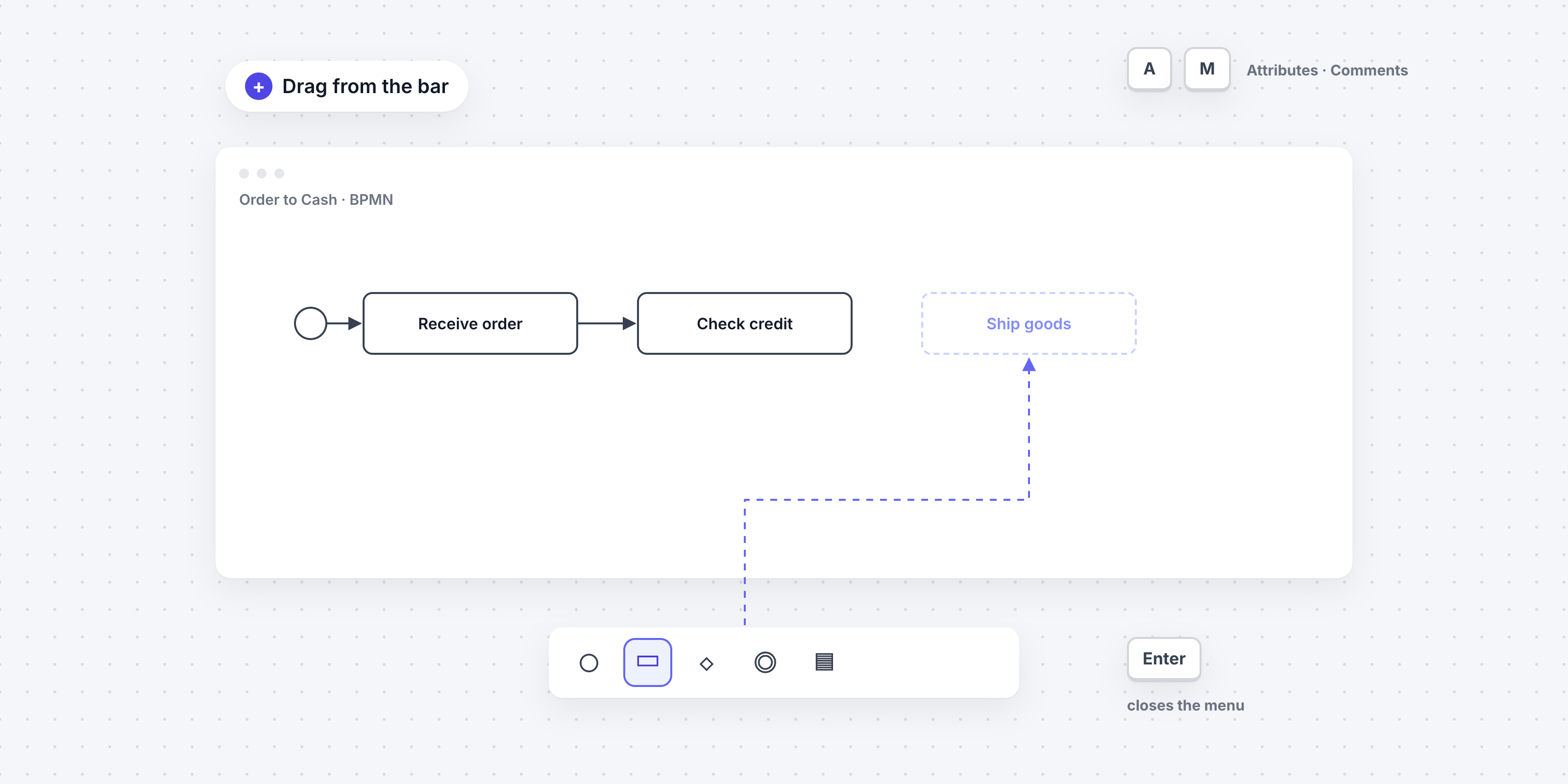
- Drag and drop from the bottom bar. Pull a task, event or gateway straight onto the canvas, exactly where you want it.
- Enter closes the shape menu. After dropping an element, press Enter and keep going.
- Shortcuts for the side panel. Press A for Attributes, M for Comments.
Who gets it
Everyone who models diagrams.
How to start
- Open any diagram.
- Drag a task from the bottom bar onto the canvas and press Enter.
- Select it and press A to fill in its attributes, or M to discuss it with your team.
Try it in Crismo
Already a customer? Open your diagrams. New here? Start a free trial.